
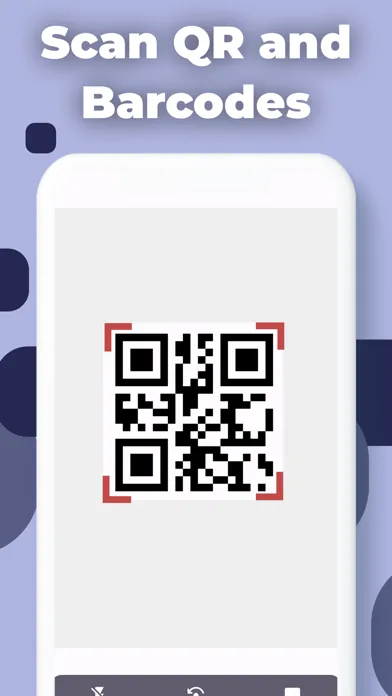
Instant QR & Barcode Scanning
Point your camera at any QR code or barcode and ScanQR decodes it in a flash. Red corner brackets lock onto the target so you always know when the scanner is active — no tapping, no fussing, no missed scans.
Rated 4.1 stars by 400+ App Store users
“Great it was very easy to me if I did it right”
“When I have family or close friends traveling out of country, I use WhatsApp for dependable & secure service. I've never found anything as good .”
“Great it was very easy to me if I did it right”
ScanQR turns your iPhone into a fast, accurate scanner with full history, QR code creation, and support for dozens of platforms.
Inside the ScanQR scanner
Point your camera at any QR code or barcode and ScanQR decodes it in a flash. Red corner brackets lock onto the target so you always know when the scanner is active — no tapping, no fussing, no missed scans.
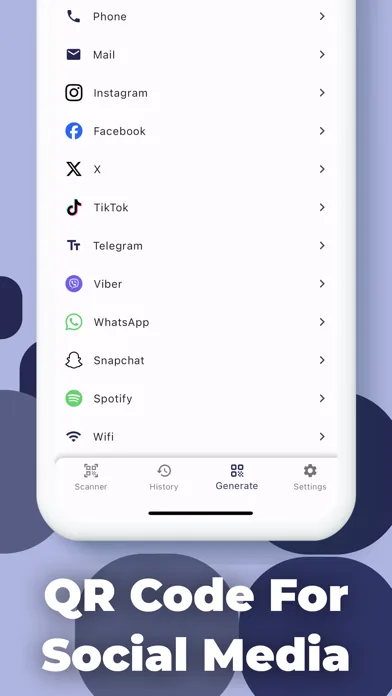
Create custom QR codes for over a dozen platforms — WhatsApp, Instagram, TikTok, Telegram, Spotify, and more — in just a few taps. Share your contact details, profile links, or Wi-Fi credentials without typing a single character.
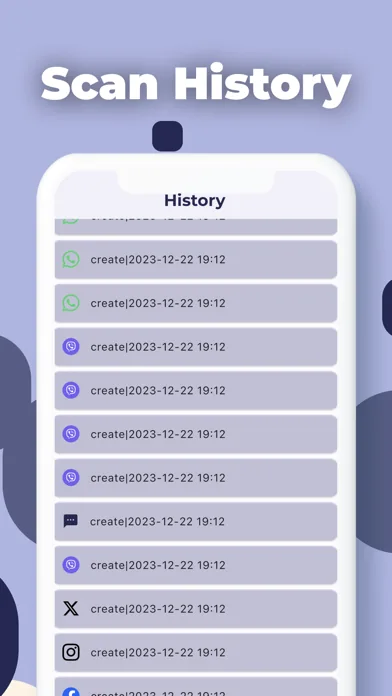
Every scan you've ever made is stored in a clean, timestamped list. Browse by date, search by keyword, and revisit any result without rescanning. Export the full history as a CSV file for backup or analysis.
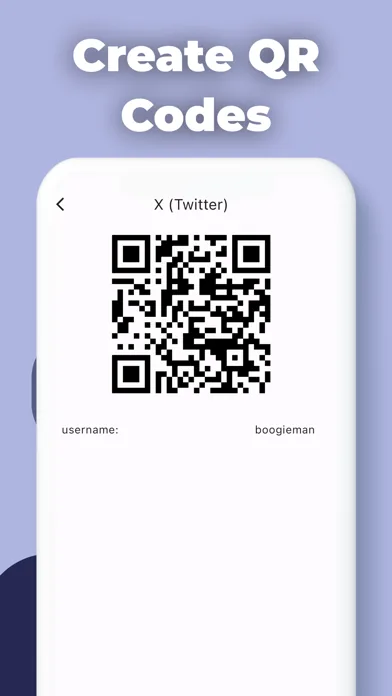
See the finished QR code the moment you generate it. Each code is clearly labeled with the platform and username, ready to screenshot, share, or print. Perfect for business cards, storefronts, or personal profiles.
Who it's built for
For
Scan a product barcode in any store and instantly pull up pricing and product info — no more squinting at labels or guessing if you're getting a deal. ScanQR gives you the data you need at the shelf, not back home.
For
Generate branded QR codes for your social profiles, Wi-Fi network, or product pages and let customers connect with one scan. Export your scan logs as CSV files to keep a clean audit trail without any manual data entry.
For
Quickly scan travel documents, ticket QR codes, and foreign product barcodes on the go. Use the WhatsApp and Telegram QR generators to stay in touch across borders without juggling multiple apps.
For
Create QR codes for your Instagram, TikTok, Snapchat, and Spotify profiles in seconds. Drop them on flyers, merch, or presentation slides and turn anyone with a phone into a new follower — no link-in-bio required.
For
ScanQR's organized history means you never lose a barcode you scanned at a trade show or a link you grabbed from a poster. Search by keyword, revisit old results, and share them with a tap — your scan log is always there when you need it.
Before you download
Download ScanQR for free and get instant barcode scanning, a full searchable history, and QR code creation for a dozen platforms — all in one lightweight app on your iPhone.